← Personal Projects
Unity and C#
Spherical Pendulum
A pendulum swinging freely above a canvas, painting the path it traces. Change the physics, watch what comes out, and export the art. Runs in the browser - WebGL builds do not run on phones.
The project
About This Project
This is the next installment of something I call "programmer art", which I do quite frequently (previously I did a Spirograph, the Mandelbrot Set and Marching Squares). This weekend the YouTube shorts algorithm sneaked some cool videos of people using buckets filled with paint attached to a pendulum and letting it swing freely across a canvas to create art.
I wanted to recreate this in Unity. So, off to starting a new project. Trying to figure out how to paint onto a canvas (basically just texture painting), where I found this really helpful video that allowed me to create the desired effect in about a day.
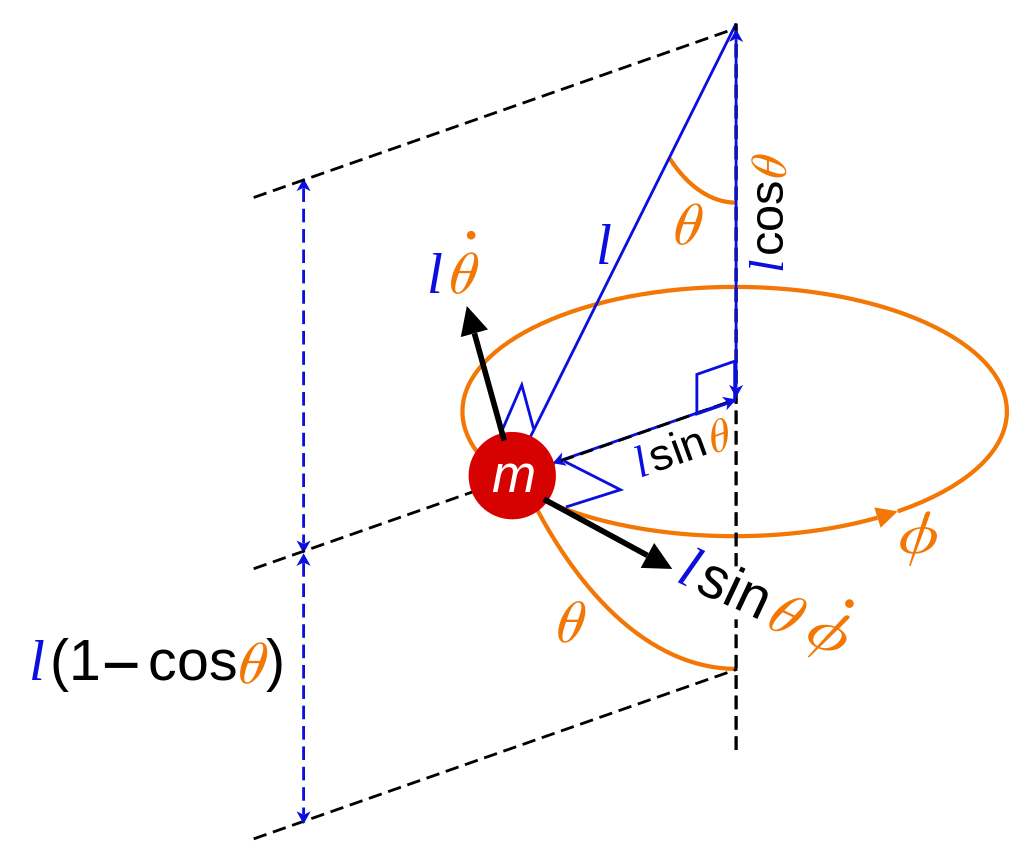
Then I went fully down the rabbit hole of pendulums. And oh boy. I knew that simulating physics is hard, but I was like: it is only a pendulum, how hard could it be. Looking at the Wikipedia entry already gave me a headache, so I started looking at YouTube - maybe someone already did this? Turns out most people implemented 2D pendulums, so it could not be too hard to extrapolate from 2D to 3D. Creating a 2D pendulum with the help of my favourite coding YouTuber The Coding Train turned out to be easy.
A week later, on the next weekend, I managed to twist my brain around the algorithms described on Wikipedia - some research papers helped too - and now I have the pendulum fully implemented.