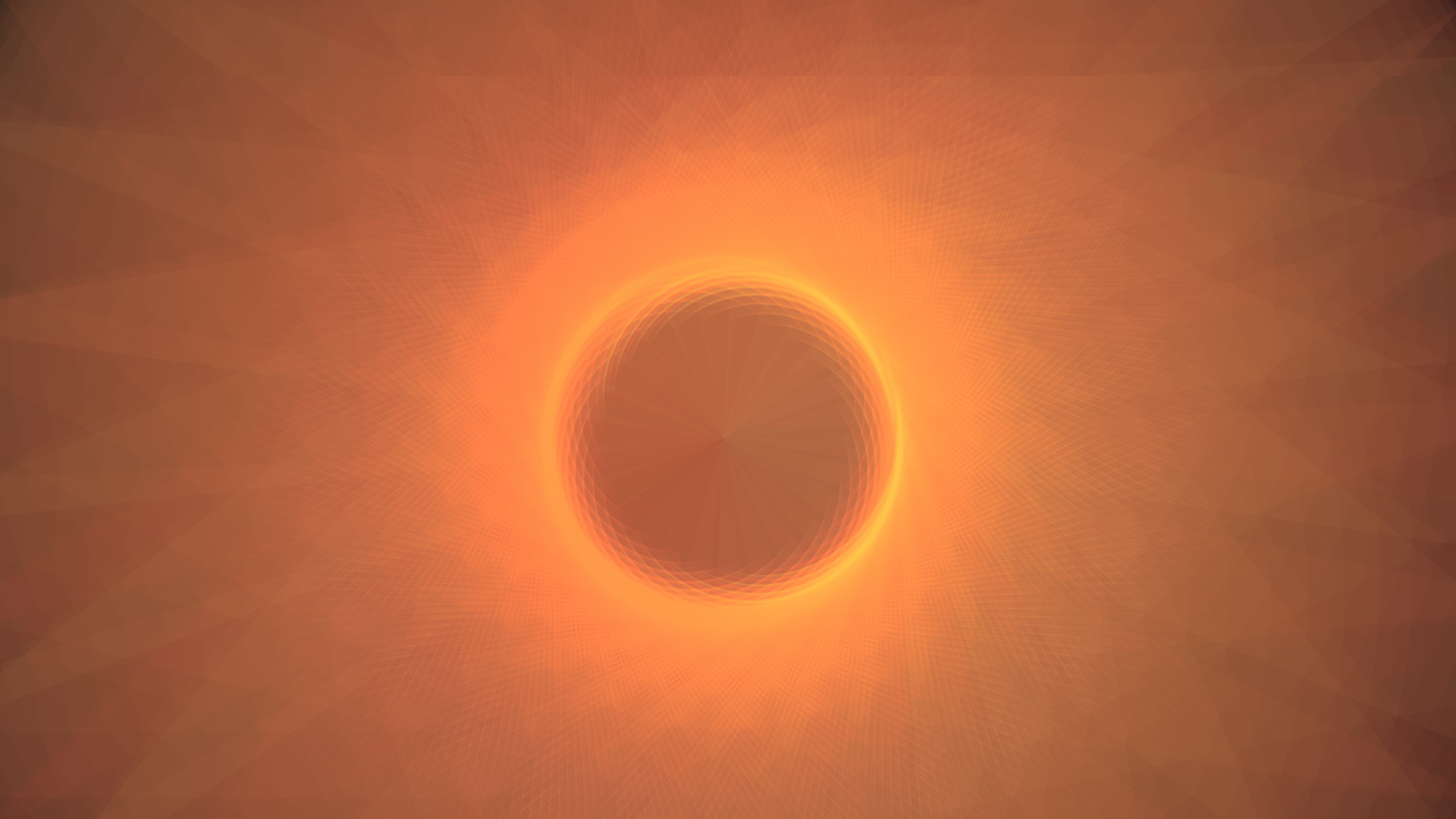
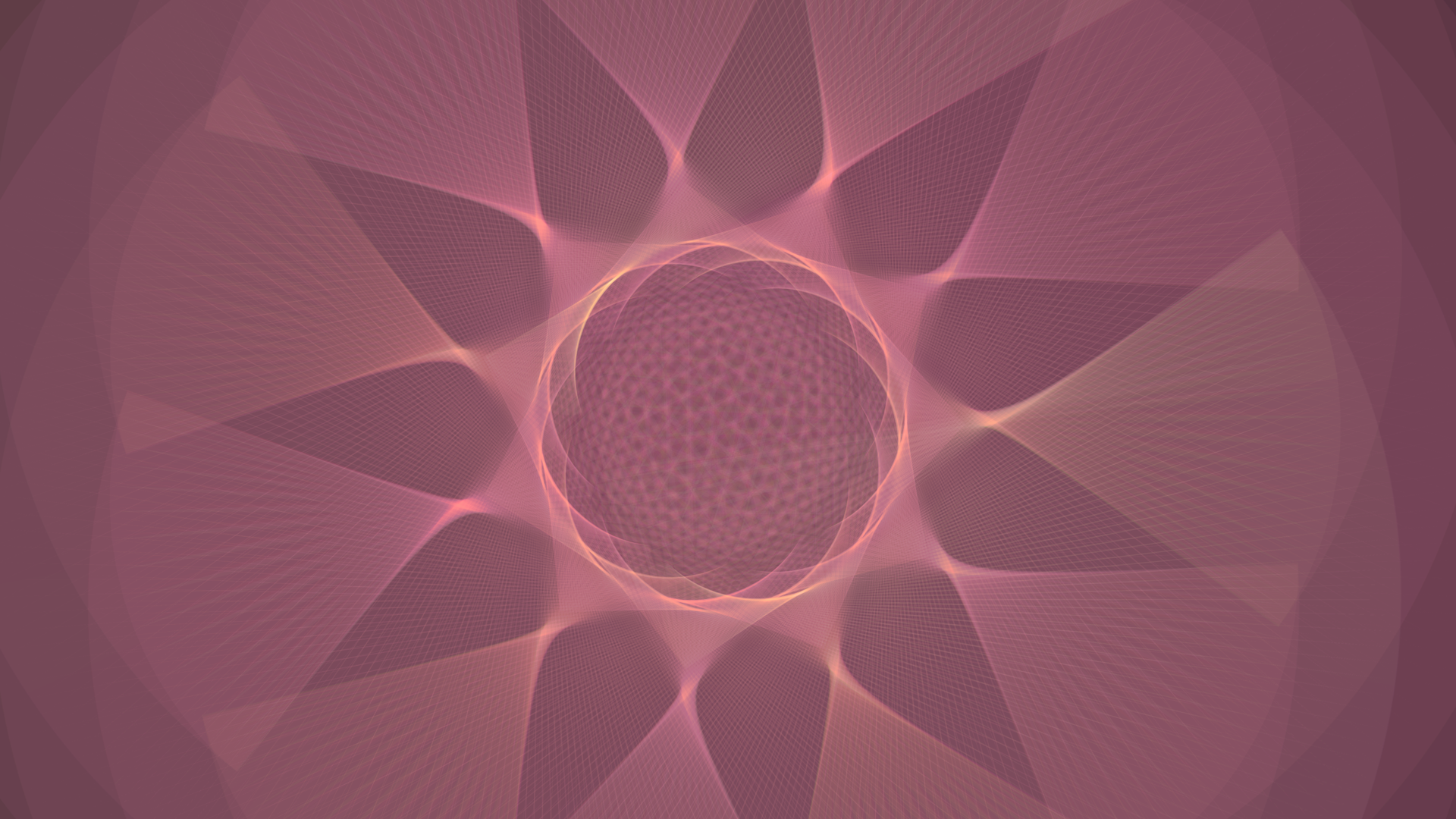
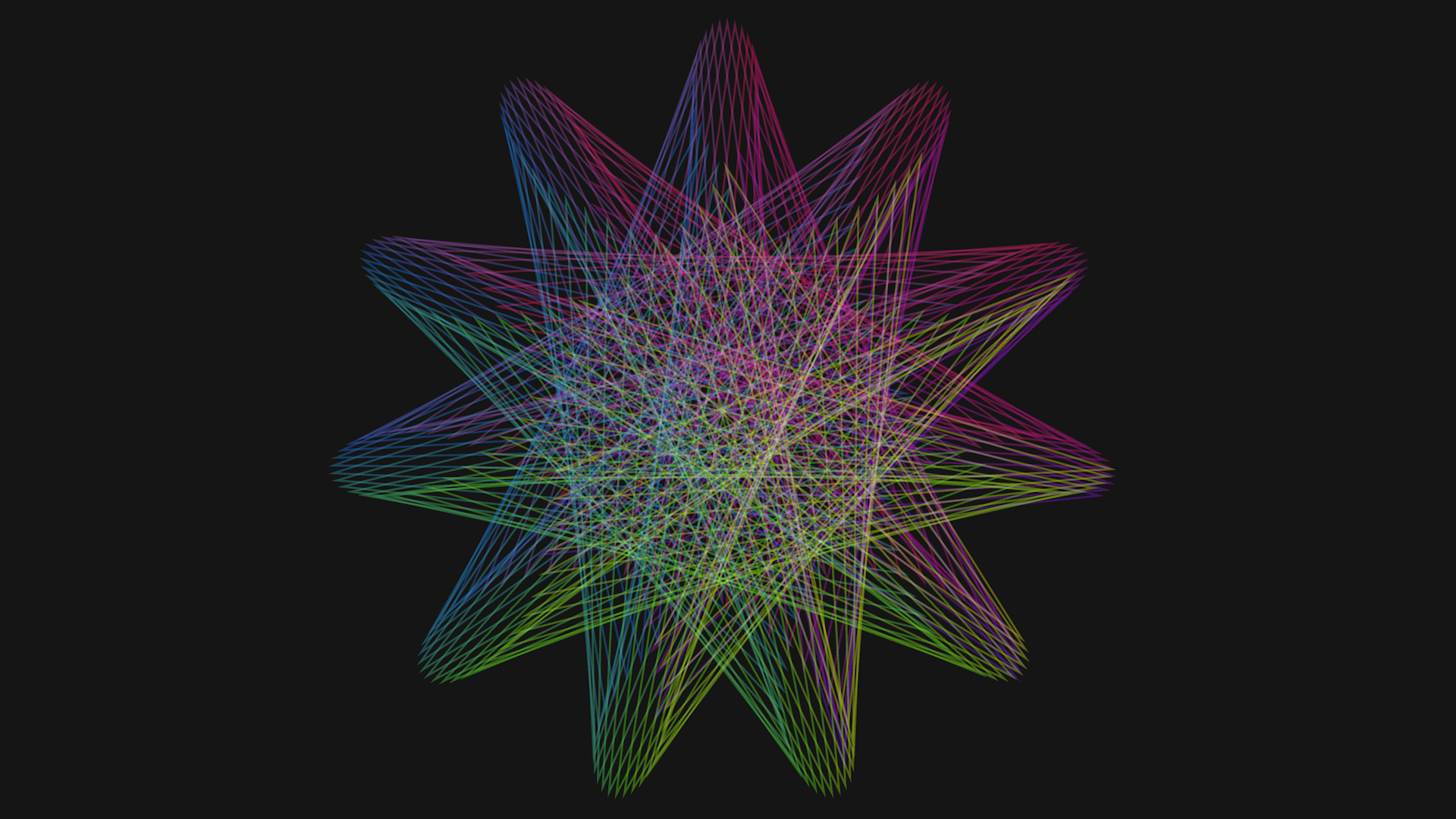
A spirograph without the pen and paper, simulated in Unity and shown in the browser. Up to 10 gears, each with its own radius and inside-or-outside setting. WebGL builds do not run on phones.
| Platform | Engine | Project |
|---|---|---|
| Web browser | Unity and C# | Individual project |
This simulation lets you experience a spirograph without the need for a pen and paper. It also allows you to experiment with more than just one gear: up to 10 gears, each with its own radius and a property that sets it to be inside or not.
The + and - buttons allow for finer control than the sliders. Holding SHIFT while pressing either button makes the step size slower, and CTRL makes it faster. You can also set your own gradient colour by using the colour button. When using the "Color Blend" toggle, I recommend turning the alpha value for the colour down really low (1-10).
I recently updated this project after finding this short section of video footage of someone plotting the entire length of the handle instead of just the tip. This beautiful shape mesmerised me and I wanted to update the project with this feature. So now you can find the "Color Blend" toggle in the simulation UI, which will plot the entire length of the handle instead of just the tip. I also added my own custom colour gradient and colour picker tool, so you can discover and create beautiful shapes for yourself.
So I found this video on YouTube (you should really check it out). It explains how a children's toy works and how it is able to draw pretty pictures with a simple mechanism. The video also explains how the mechanism works and derives the formula for the function that represents the graph at the end. I wanted to do the same, but with pure simulation. So I sat down for a day and programmed this little thing you see at the top of the page in Unity.
A spirograph works by using a set of interlocking gears to guide a pen in creating intricate, repetitive geometric patterns. The user places a smaller gear inside or outside a larger, fixed ring and inserts a pen through one of the holes in the smaller gear. As the smaller gear rotates around the ring, the pen traces a path that forms complex curves known as hypotrochoids or epitrochoids. The resulting designs are determined by the sizes of the gears and the position of the pen.
Want to work together?
marc.kletz@kletzgames.com